MPN:
90MB18L0-M0UAY0
MPN:
90MB18L0-M0UAY0
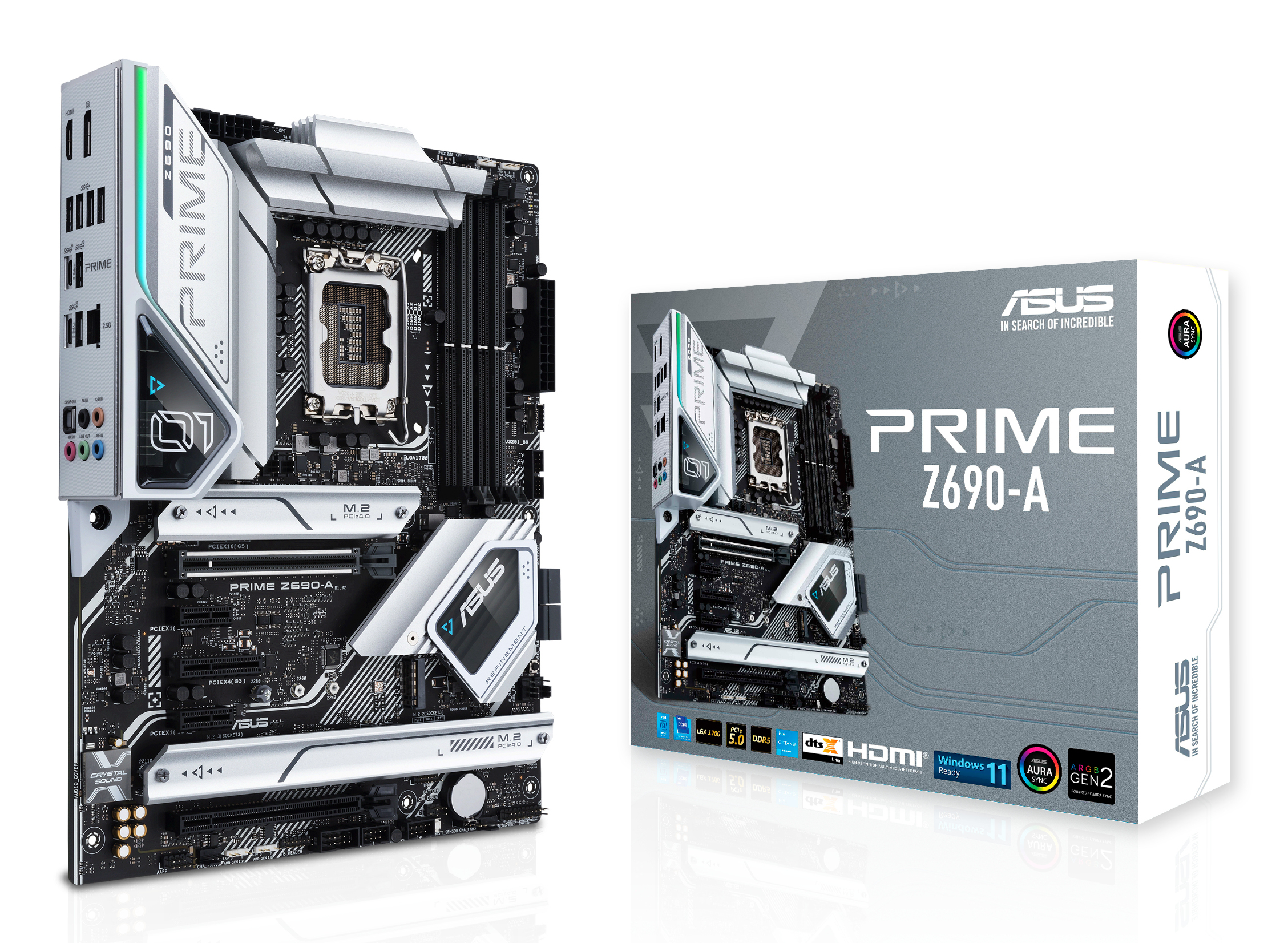
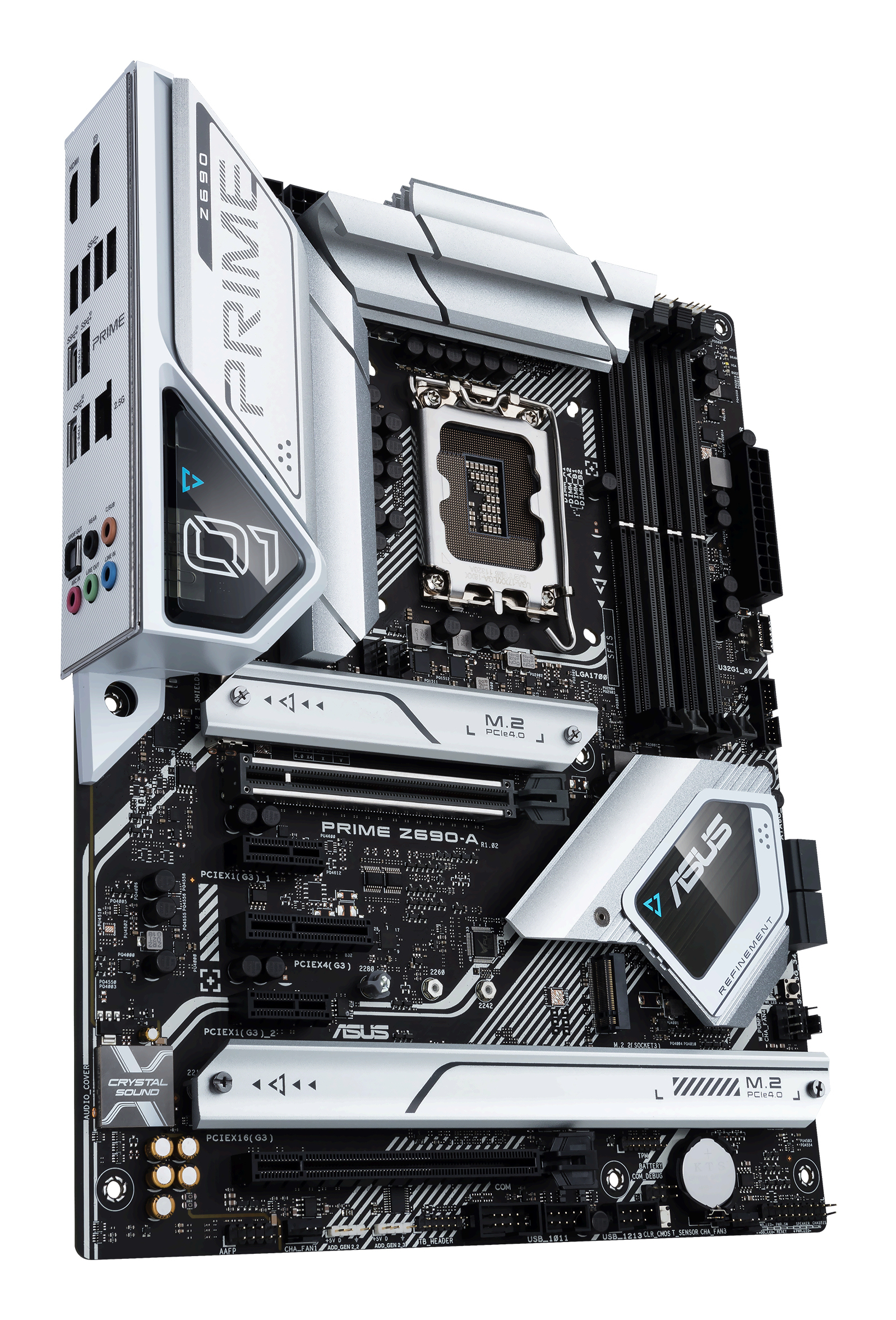
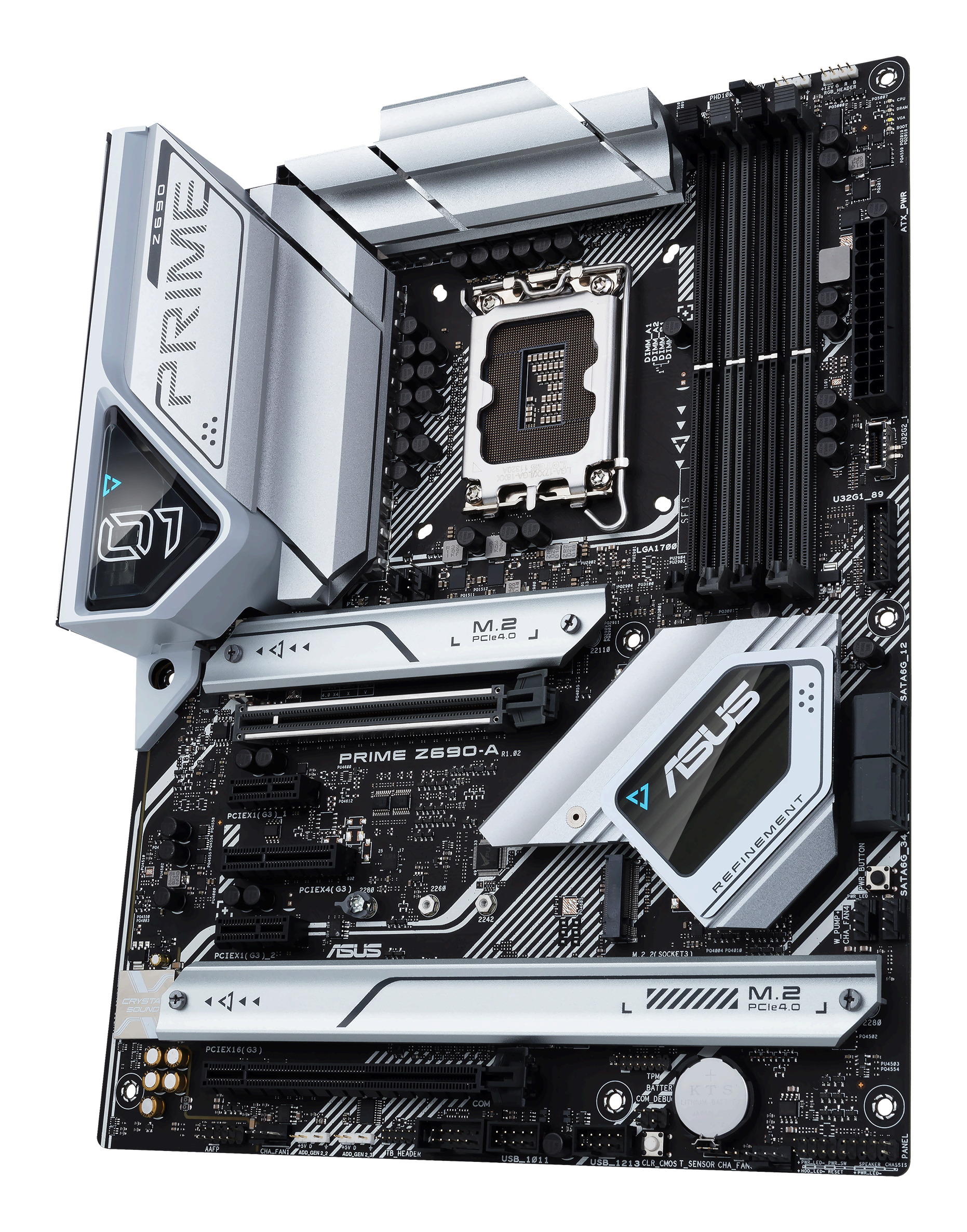
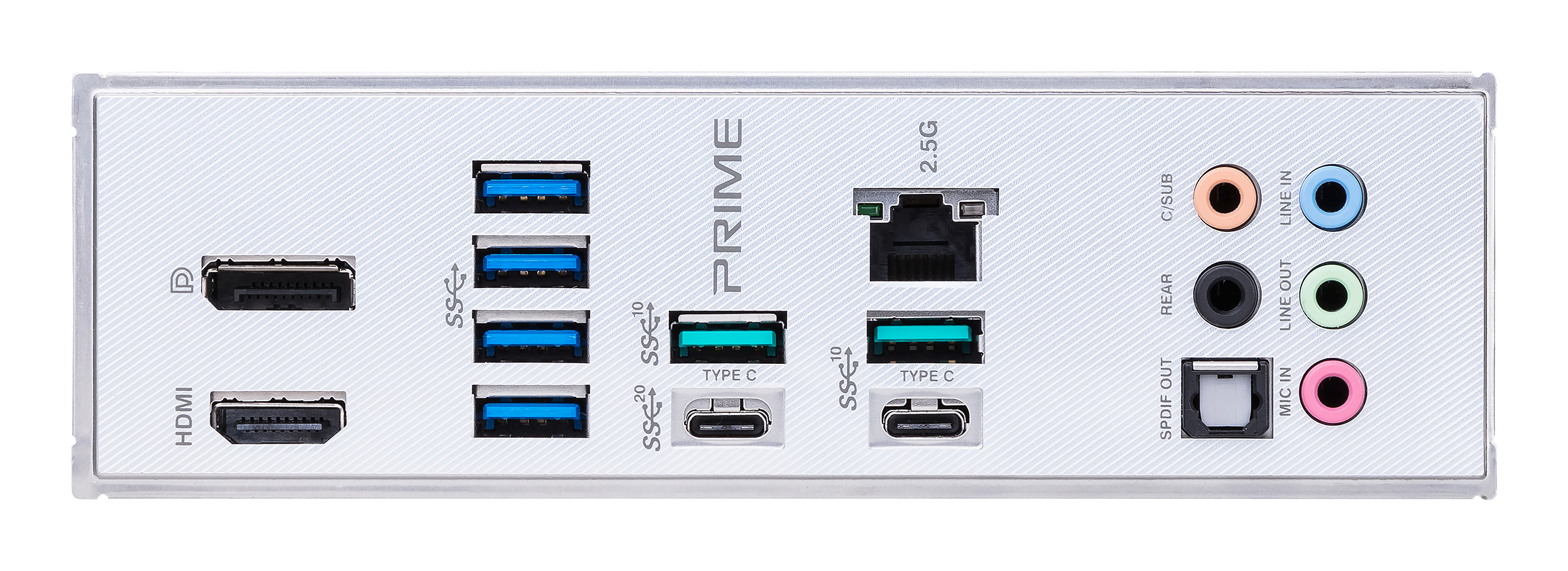
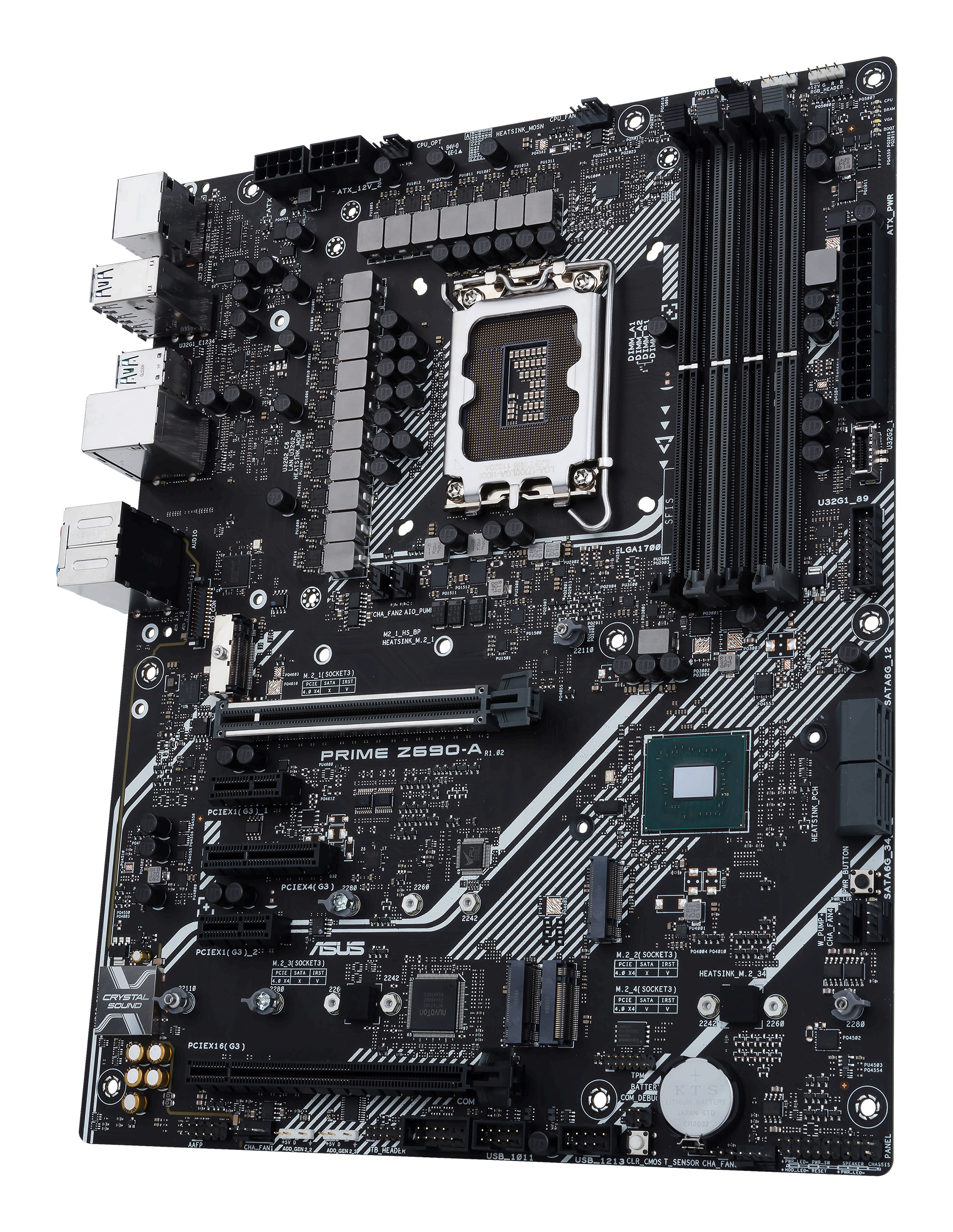
ASUS PRIME Z690-A Intel Z690 LGA 1700 ATX
Ratings & price sourced from Amazon.com (United States).
- Depth
- 244 mm
- Wi-Fi
- N
- Width
- 305 mm
- BIOS type
- UEFI AMI
- Bluetooth
- N
- Audio chip
- Realtek ALC S1220A
- RAID levels
- 0,1,5,10
- Ethernet LAN
- Y
- HDMI version
- 2.1
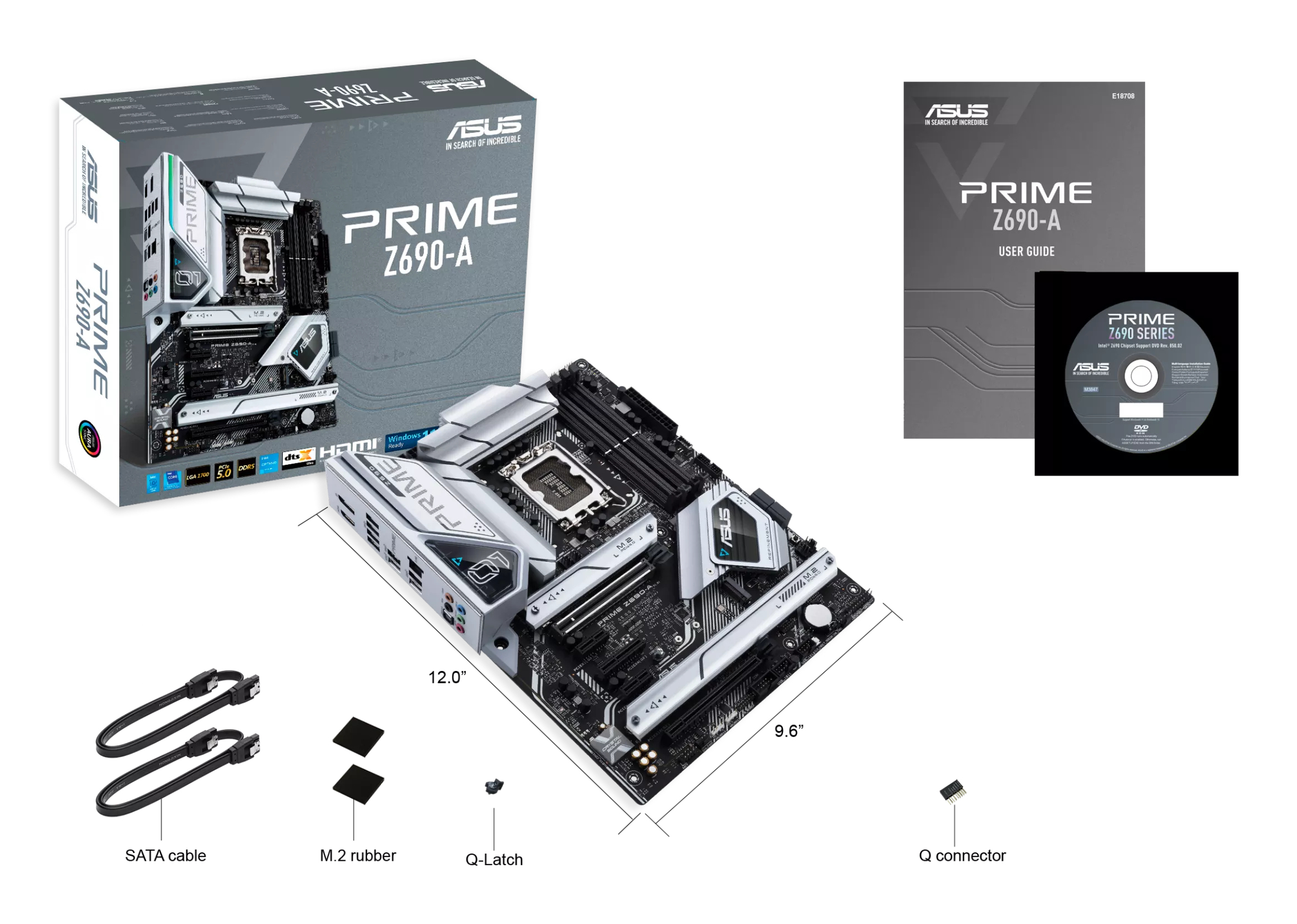
Overview
ASUS Prime series motherboards are expertly engineered to unleash the full potential of 12th Generation Intel® processors. Boasting a robust power design, comprehensive cooling solutions and intelligent tuning options, Prime Z690-A provides users and PC DIY builders a range of performance tuning options via intuitive software and firmware features.
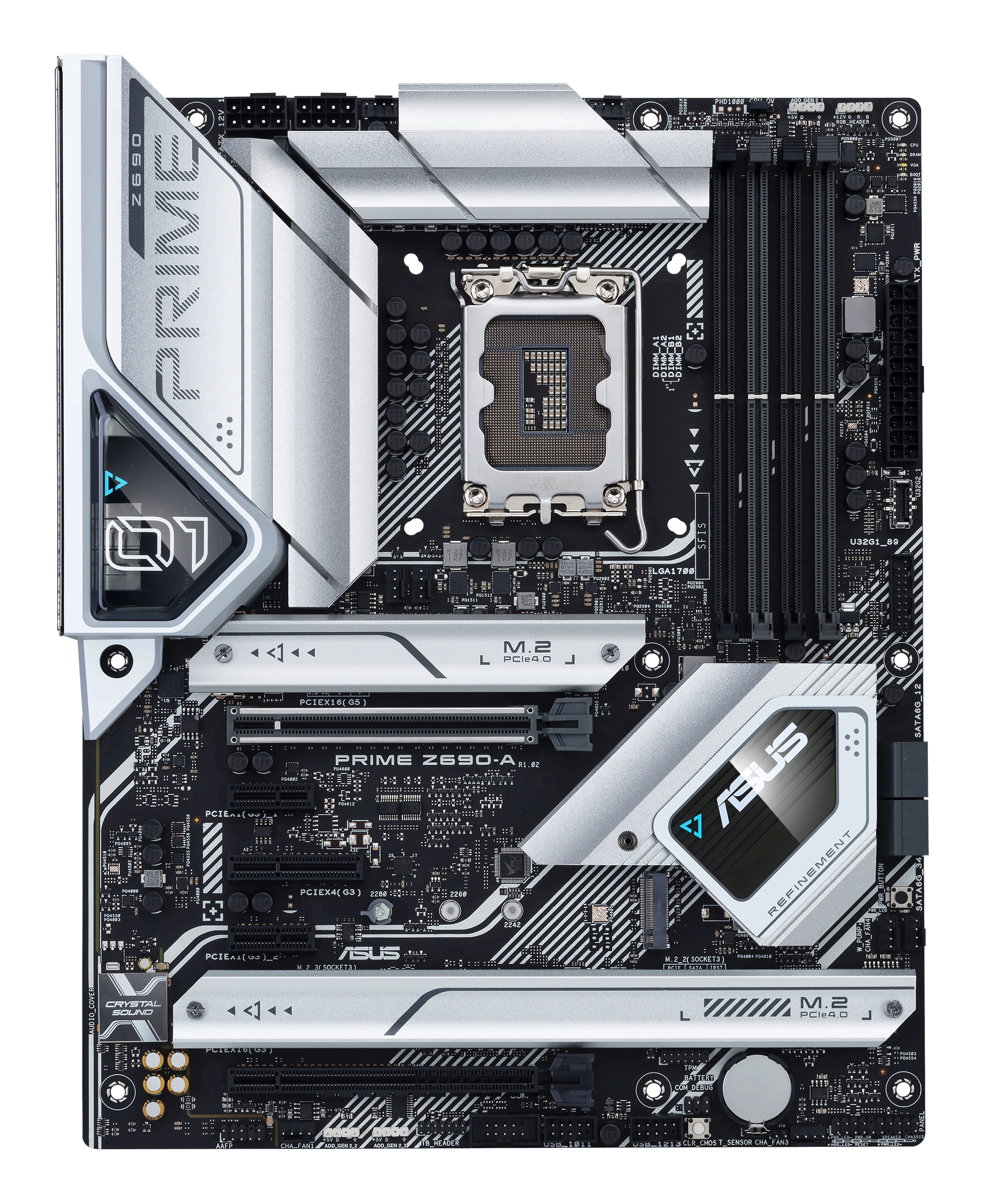
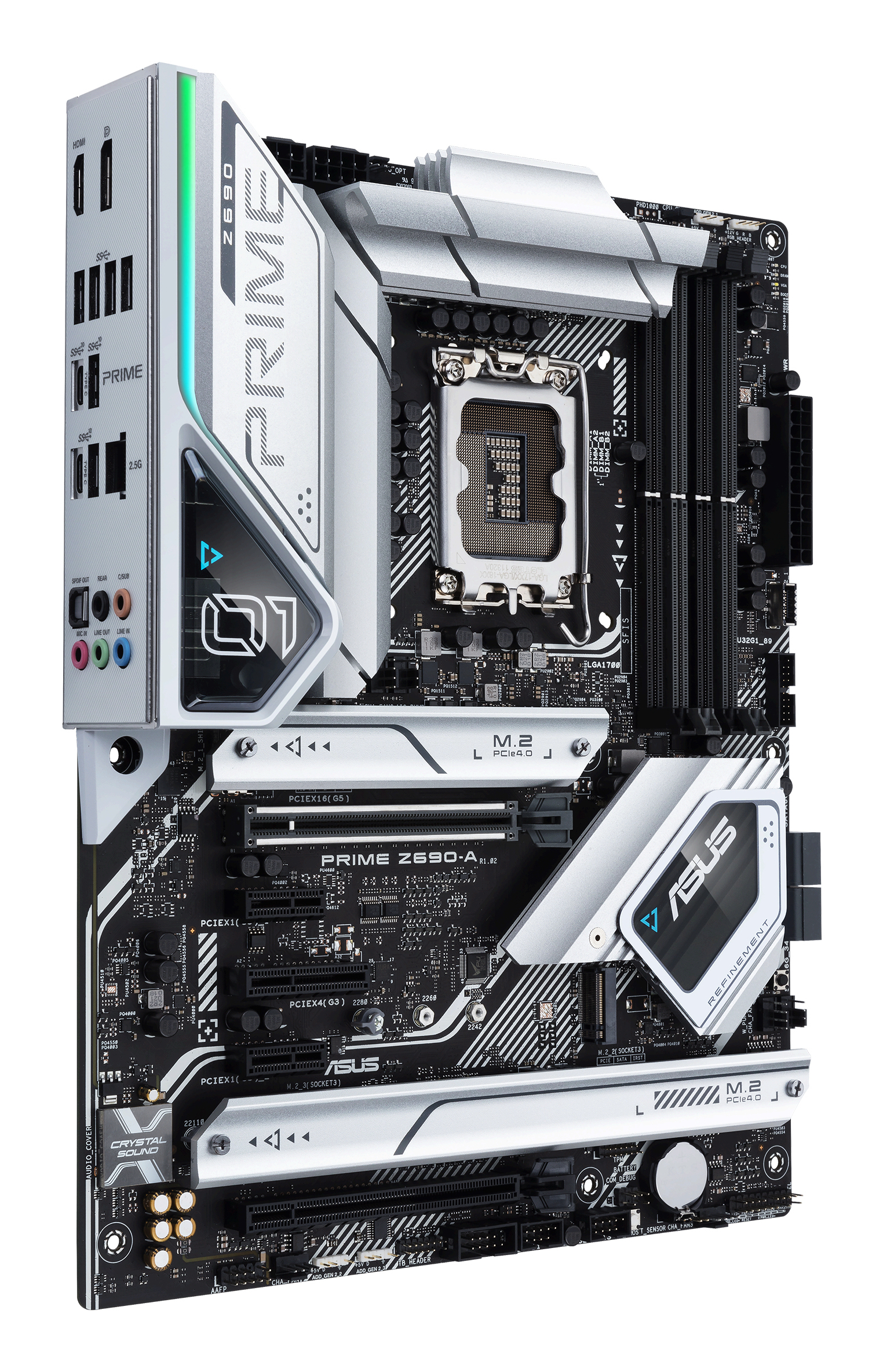
ASUS Prime Z690-A offers a sleek, futuristic-looking build with a black and white finish, space-shuttle-inspired design elements, metallic nameplate and PCB cover.
FLEXIBILITY
Comprehensive controls form the foundation of the ASUS Prime series. The Prime Z690 motherboard packs flexible tools to tune every aspect of your system, enabling performance tweaks to perfectly match the way you work to maximize productivity.
5-Way Opitmization
ASUS 5-Way Optimization makes your PC smart. Along with taking care of complex tuning and dynamically optimizing essential aspects of your system, it provides overclocking profiles that are tailored for your rig.
Easy Optimization is an automated tuning utility that enhances overclocking and cooling profiles for your unique system configuration.
A stress test feature allows you to optimize and overclock for CPU- or memory-centric workloads.
CPU Performance Boost
The TurboV Processing Unit (TPU) is an intelligent system-tuning utility that automatically fine-tunes voltages, monitors system stats and adjusts overclocking parameters for optimal performance.
All-Around Energy Efficiency
The Energy Processing Unit (EPU) automatically optimizes power consumption and maximizes energy savings with Away mode — a smart setting that creates an extreme energy-saving scenario by shutting down unused I/O controllers.
Precise Digital Power Control
The Digi+ voltage-regulator module (VRM) delivers real-time control over voltage droop, automatically switching frequency and power-efficiency settings. It also allows you to fine-tune your CPU for ultimate stability and performance
App-Specific Optimization
Turbo App allows you to define CPU overclocking, apply fan profiles, prioritize network data and optimize audio settings at the app level, so your system is set up exactly as needed.
ASUS AI Overclocking
ASUS AI Overclocking is an intelligent utility that helps you get the most out of your build by automatically profiling your CPU and cooling system to predict optimal voltage and frequency settings.
Accessible via the AI Suite software in Windows or directly through the UEFI, the intuitive AI Overclocking user interface enables users of all levels. A range of customizable settings are available for seasoned overclockers, and an auto-tuning option is available for beginners.
AI Overclocking at a Glance
Designed by Experts
At the heart of AI Overclocking is a proprietary algorithm developed by ROG R&D engineers who worked with world-renowned overclockers to create a tool for users of all levels.
Predictive Edge
The algorithm analyzes your CPU and cooling system and, based on what it finds, predicts optimal settings. The software then uses these settings to automatically guide the clocking process, balancing frequency and voltage.
Real-time Adjustments
The software monitors workload, system temperature, fan speed and power draw every minute and it makes real-time adjustments to ensure ongoing optimal performance.
AI Cooling
ASUS AI Cooling function will automatically manage and control motherboard-connected fans to ensure optimal settings based on current system load and temperature.
Self-Adaptive Fan Tuning
CPU Temperature Detection
AI Cooling detects CPU temperatures and uses a proprietary algorithm to calculate the lowest fan speed required to effectively cool the system and keep fan noise down.
Automated Optimization
Under stable system loads, the software then automatically lowers fan* speed to the optimal setting, decreasing fan noise without compromising performance.
*Fans need to be connected to the following headers for AI Cooling control: CPU_FAN / CPU_OPT / CHA_FAN / W_PUMP+/ AIO Pump
Ongoing Monitoring
AI Cooling continues to monitor the system and adjust fan speed based on current load.
One-click Activation
AI Cooling can easily be activated via the Fan Xpert 4 dashboard in Armoury Crate. Once activated, it will override all manual controls.
Fan Speed References
For those who prefer manual control, AI Cooling provides reference points on a graph that details fan speed in relation to temperature, providing a guide for fan settings.
UEFI BIOS
The renowned ASUS UEFI BIOS provides everything you need to configure, tweak and tune your system. It offers intelligently simplified
Technical Specifications
Ports & Connectivity
5 SPECSMemory
2 SPECSPower
1 SPECPhysical
4 SPECSProcessor
2 SPECSStorage
1 SPECGeneral
64 SPECS
Market Value History
Sources
Product lifecycle
Still listed as on-market by the manufacturer — actively sold and supported.
Lifecycle status is derived from catalog data and is indicative, not a manufacturer support guarantee.